Navigate a book
The reader combines the EPUB text, chapter navigation, and narration controls in one view.
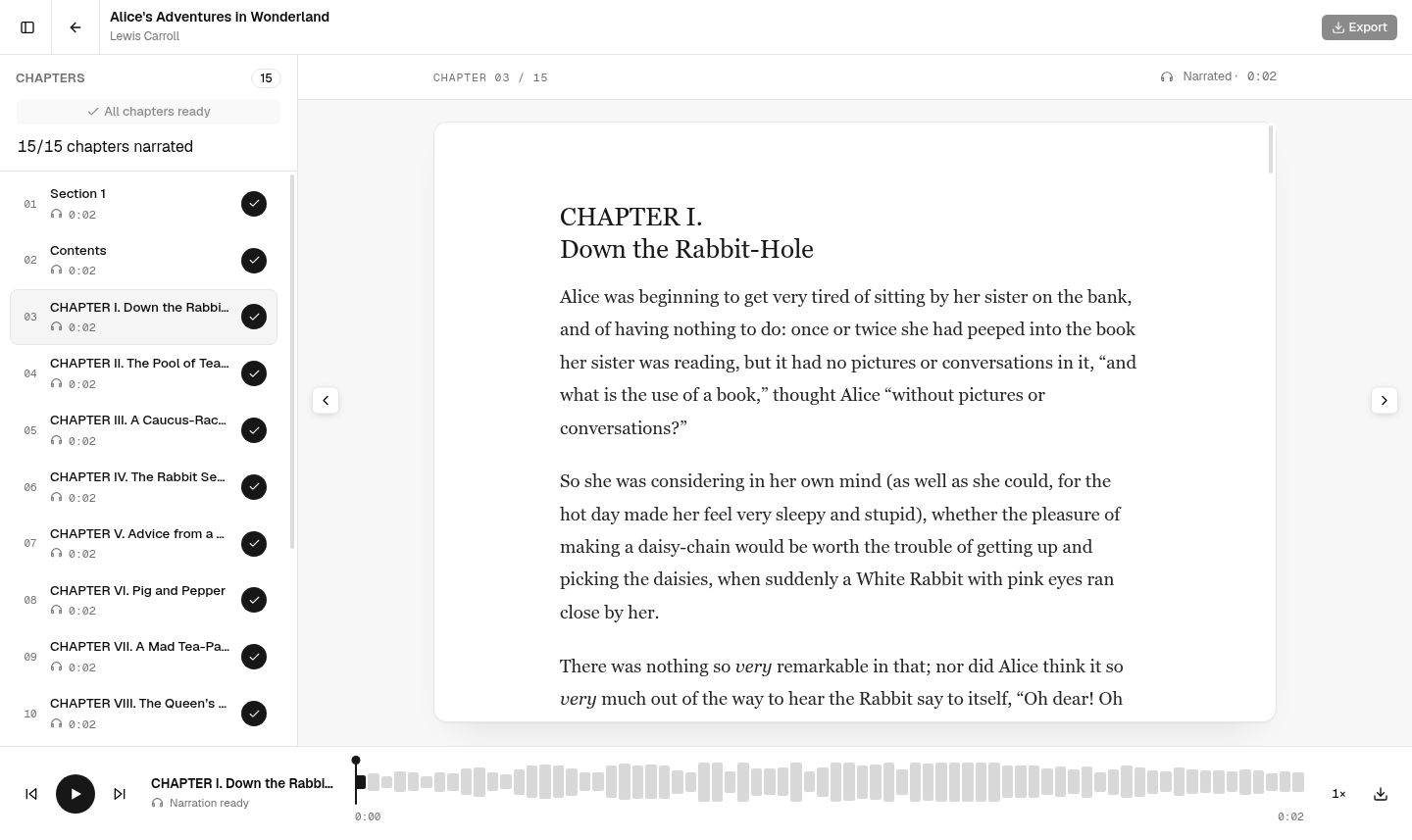
Chapter list
Use the left sidebar to:
- see all detected chapters;
- open a chapter;
- check narration status;
- generate audio for an individual chapter;
- start generation for all chapters.
Use the panel button in the top-left corner to hide or show the chapter list.
Reading area
The center area displays the current EPUB chapter. Use the previous and next buttons below the chapter to move through the book.
Return to your library
Select the back arrow in the top toolbar.